

To support your learners as they study the non-regulated qualifications listed on the FQP sub-page above, our talented publishing team has produced very high-quality resources and materials for them. They enhance your own course delivery and are available at very competitive prices.
The materials, written by relevant subject matter experts, closely resemble those produced commercially for similar subject areas on the regulated framework.
To make your and your learners’ lives simpler and hassle-free, we have incorporated those resources into the newly-developed and innovative Focus Awards VLE (branded and known as “iLearnitEasy”). This bespoke online learning delivery system leaves ‘off-the-shelf’ programs such as Moodle and Blackboard Learn behind in so many ways.
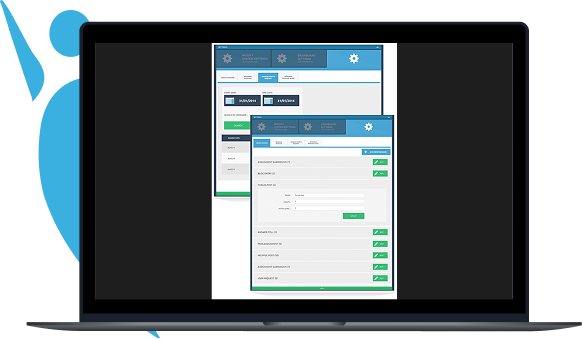
The screenshots and usable ‘tabs’ below give you a feel for and brief introduction to iLearnitEasy’s functionality. Try it out!
Focus Awards is pleased to offer this resource completely free of charge to high volume centres, with discounted rates for everyone else. This software will assist in the delivery of your content and help with the management of your learners experience with you from the very start of their studies until the completion.
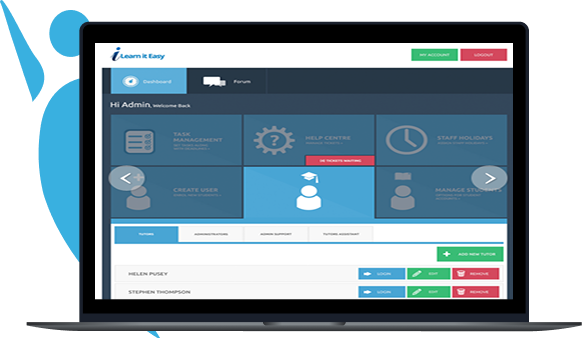
Whether you run one course or 100, you can quickly and easily assign tutors to the study programmes, instantly creating a full suite of customisable management records that can be edited and maintained effortlessly. The built in capability to instantly create feedback templates for each of your courses ensures that a standardised approach is adopted by all of your tutors across each faculty and course, in order to fully comply with this key requirement of any awarding body. The option can also be used to set predefined responses that tutors can use as a guide when commenting on student’s work. Core record fields such as name, unique identifier, course title, tutor’s name and signature are automatically populated.
The awarding body’s authentication requirements are thus fully met with no intervention required from the user. Time and cost savings are built into every part of the framework.
Keep track of assignment submissions and download them all for marking easily with just one click. I Learn It Easy significantly improves marking efficiency by enabling the setting and monitoring of deadlines. Assignments that are not marked within these timescales appear in an ‘overdue’ list which is only visible to staff users. Complaints about late feedback become a thing of the past. There is also a facility to fast track students who need to complete their course quickly, enabling prioritisation by assigning them to a specialist user group.
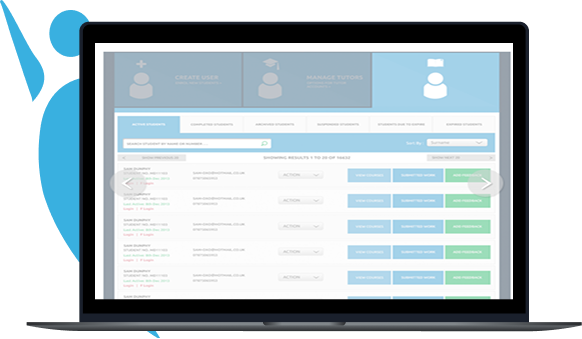
Whether you run one course or 100, you can quickly and easily assign tutors to the study programmes, instantly creating a full suite of customisable management records that can be edited and maintained effortlessly. The built in capability to instantly create feedback templates for each of your courses ensures that a standardised approach is adopted by all of your tutors across each faculty and course, in order to fully comply with this key requirement of any awarding body. The option can also be used to set predefined responses that tutors can use as a guide when commenting on student’s work. Core record fields such as name, unique identifier, course title, tutor’s name and signature are automatically populated.
The awarding body’s authentication requirements are thus fully met with no intervention required from the user. Time and cost savings are built into every part of the framework.
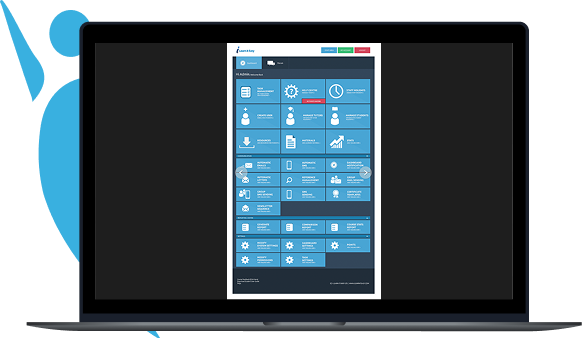
Quickly enrol new students by completing a single enrolment form – once. This form not only assigns students to a course, but also generates an email with their login details for the learning management system, sends them a welcome letter and receipt / payment plan.
Course fee payments can be monitored from a single page and you can also view a list of students.
Add the complete course materials for your students to access anywhere, anytime online. Your students can work from a distance, with everything they need to obtain their qualification.
Keep track of assignment submissions and download them all for marking easily with just one click. I Learn It Easy significantly improves marking efficiency by enabling the setting and monitoring of deadlines. Assignments that are not marked within these timescales appear in an ‘overdue’ list which is only visible to staff users. Complaints about late feedback become a thing of the past. There is also a facility to fast track students who need to complete their course quickly, enabling prioritisation by assigning them to a specialist user group.
Select from a range of certificate templates that will be applied to the automatic certificates students receive when they complete their course.
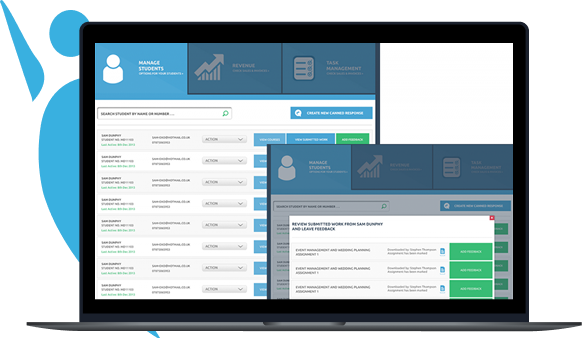
Monitor Individual Student Progress Effortlessly keep a detailed history of all the assignments a student has submitted and the feedback they have received through individual student records. This helps you to really ‘get to know’ your students and enables you to quickly and easily monitor their progress throughout their studies, as well as improve your record keeping by ensuring work is efficiently and securely stored. Last Feedback When a student is required to resubmit an assignment, tutors can view the student’s ‘last feedback’ alongside their resubmission to enable them to monitor the students’ progress more effectively.
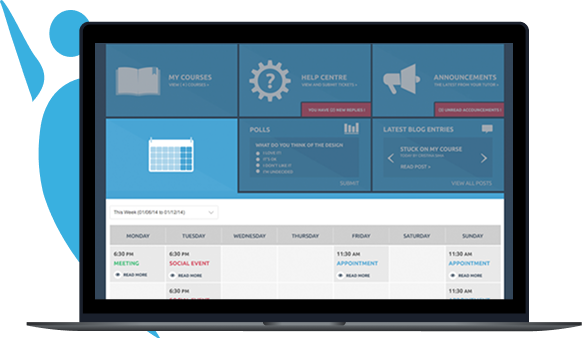
Notes The notes function enables tutors to keep additional confidential progress notes about a student, separate from their assignment feedback, making it easy to keep track of past difficulties, strengths or areas of concern. Diary Help students plan their study time effectively, while giving them a handy tool to structure their busy lives. Full featured diary, visible from the student’s personal dashboard. Help Centre Students are able to instantly access the tutor support email facility, live chat with student support advisers, and get information on materials, FAQs and other useful information from here.
Statistics A visual representation of the student’s progress, how many assignments completed, how many left, percentage done/to go, number of referrals, assignments marked, with dates, fees due etc. This is also where the system administrator can obtain meaningful statistical data across the business. Student numbers, tutor marking times, numbers completing this week, last month, percentage uptake on offers, and much more.
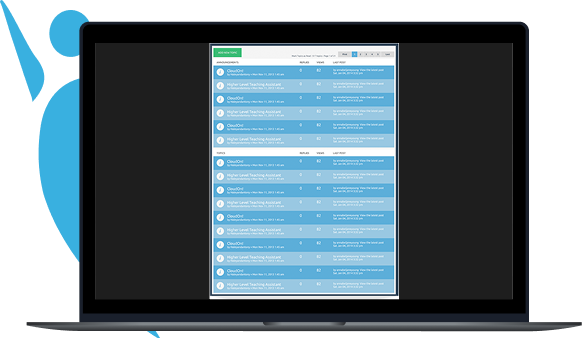
Student Forum The student forums enable students to talk, via message boards, to other students enrolled on their course. This function is extremely beneficial not only to students who can provide peer support, but also enables you to pick up on any common queries or issues that may need addressing. These boards also provide tutors with a means of holding whole-group discussions or delivering support.
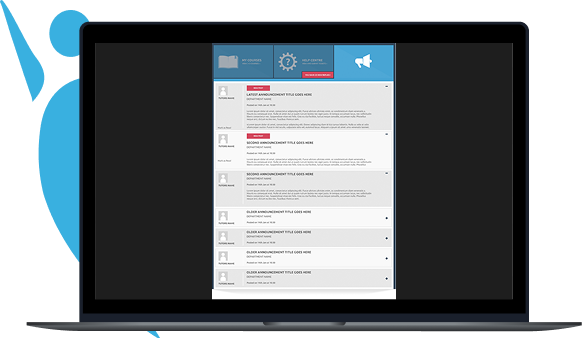
Announcement Something to tell students on a particular course, or everyone? The announcements feature displays a notification on the student dashboard when they login.
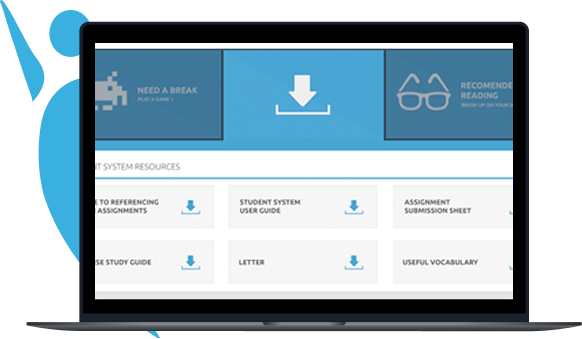
Resources Add additional learning resources for all students or for those on specific courses
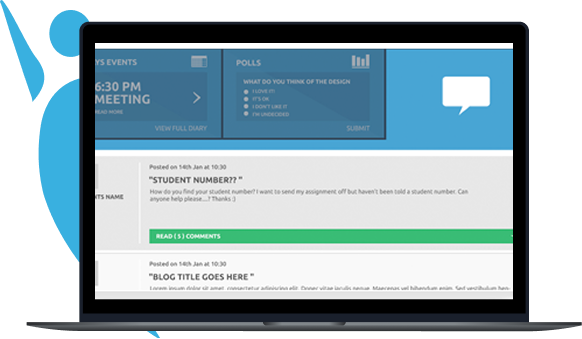
Blogs Students can create their own blogs which they can make visible to other students enrolled on their course, who can comment on it. Blogs can be a useful learning tool, enabling students to share ideas and discuss relevant topics / issues. Administrators can moderate blogs and comments to enable the removal of inappropriate content.
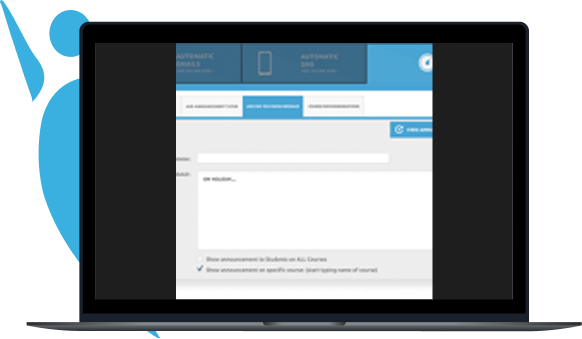
Did you know…? Display useful hints, handy tips and “breaking news” on a scrolling text banner at the top of the student’s dashboard.
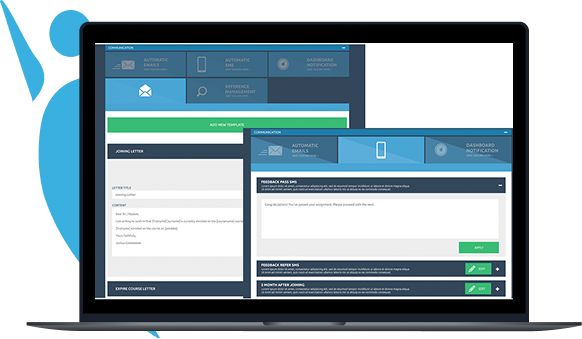
Automatic Emails Automatic emails help to encourage student progression, and are a useful way to give and receive feedback on their courses. Automated emails can also be set to remind students when they are nearing the end of their support time, or when enrolment fees are due. Contacting Course Tutor Students can instantly email their course tutor directly from their dashboard, helping to avoid issues with lost paperwork or computer problems. Group Mail Sending If you need to contact groups of students you can use the ‘group mail sending’ facility. This allows you to contact students who are currently studying, have already completed their course, or by other defined user groups.
Contacting Course Tutor Students can instantly email their course tutor directly from their dashboard, helping to avoid issues with lost paperwork or computer problems. Feedback This is where you upload your feedback and comments on the student’s submitted assignment. It is a very simple free-form box, where you can simply type, dictate, or – if you prefer – paste your appraisal and feedback to the student. Once your students and courses are set up, you can pre-populate the forms with customised templated feedback. You will know that there are certain issues and common themes you address on almost every assignment; complete one such feedback and save it as a template. You can create multiple templates so that students on the same course don’t receive identical feedback.
For ease of use, the appropriate template is presented to you when you select a student for feedback. All you need to do is adapt it and personalise it as appropriate, which takes just a few minutes. The really clever bit, which saves you a huge amount of time and mental effort is . . . Canned Responses Underneath the feedback, you can create a list of common comments that, again, you use regularly. The list has a tick box next to each response which you simply click to include, and it is instantly appended to the feedback. Group Mail Sending If you need to contact groups of students you can use the ‘group mail sending’ facility. This allows you to contact students who are currently studying, have already completed their course, or by other defined user groups.
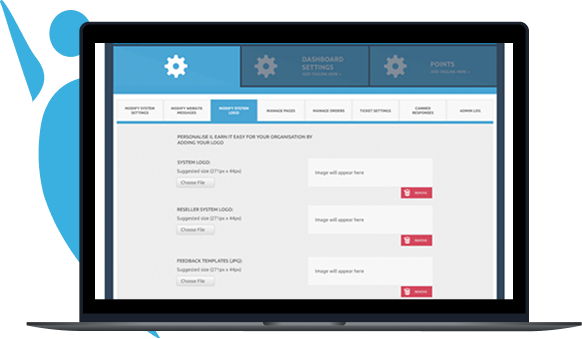
Configure permissions to control what users can access. Administrators have full access to all aspects of the system, across all courses and user groups, tutors however, are given access only to their information relating to their courses and groups of students. All users of the learning management system have their own username and password. When necessary, user access to the system can be temporarily restricted or permanently removed. System Logo The system can be easily customised and branded, and can even take up your logo in many different formats.
Create Packages Do you have complementary courses that you can bundle with others? You can easily create bespoke packages here. It’s also great for putting together upsell or cross sell deals. Manage Points Do you have a Tesco Clubcard, or a Nectar Points Card? They are a great idea for easily encouraging customer loyalty.This neat little module lets you set up a points system to do the same thing. For example, if one of your clients recommends a friend and they buy a course, you could award points. You can also award points for giving positive feedback on rating websites. The student can accumulate them to, for example, get faster marking, discounts on tutor support extensions, a big discount on the next course etc. This facility is really only limited by your imagination.
Select from a range of certificate templates that will be applied to the automatic certificates students receive when they complete their course.
We have just completed the long-awaited integration of Qualitas with our market leading VLE (Virtual Learning Environment) system, iLearnitEasy.
“So what?”, we hear you ask.
Well, in a nutshell, it’s a massive benefit and timesaver for our Centres, and helps reduce much of the tedious administration we’ve all come to love and cherish (not).
As you know, all our Centres use Qualitas, and some have also been using our innovative VLE to run and administrate their training courses.
Until now, the two standalone systems have been unable to communicate with each other, which has meant you entering duplicate details on each in many cases. The integration means that you only have to enter these details once.
Now, if you also use iLearnitEasy, the following admin operations will be picked up by Qualitas as well:
In accordance with the Japanese principle of kaizen, our continuous improvement process ensures that as the integrated system evolves, new adjustments and simplifications steadily reduce administration.
We relentlessly pursue our drive to deliver better and higher value operations for you, our commercial partners.
If you have a pet “niggle” we can alleviate for you, or you have any new ideas to improve our service, let us know! We always operate on the premise that we have twice as many ears as mouths…